Car Parking Multiplayer Voice Chat Explained: Full Guide
To enable voice chat in Car Parking Multiplayer, go to Settings → Audio/Voice Chat and toggle it on, allow microphone access, then join a multiplayer server and press and hold…

Learn how to get the most out of Car Parking Multiplayer with our step-by-step how-to guides.
Fix common problems like lag, black screen, login failed errors, and game crashes. Learn how to drift, join multiplayer rooms, install mods, import cars, tune your gearbox, and customize everything from paint to engines.
Every guide is written in plain, easy steps with screenshots — no tech skills needed.
New tutorials are added regularly. Start with the guides below — updated for 2026.
To enable voice chat in Car Parking Multiplayer, go to Settings → Audio/Voice Chat and toggle it on, allow microphone access, then join a multiplayer server and press and hold…
To roleplay in Car Parking Multiplayer, join a server labeled “RP” or “Real Life,” pick a consistent role (police officer, taxi driver, business owner, street racer, or civilian), use a…
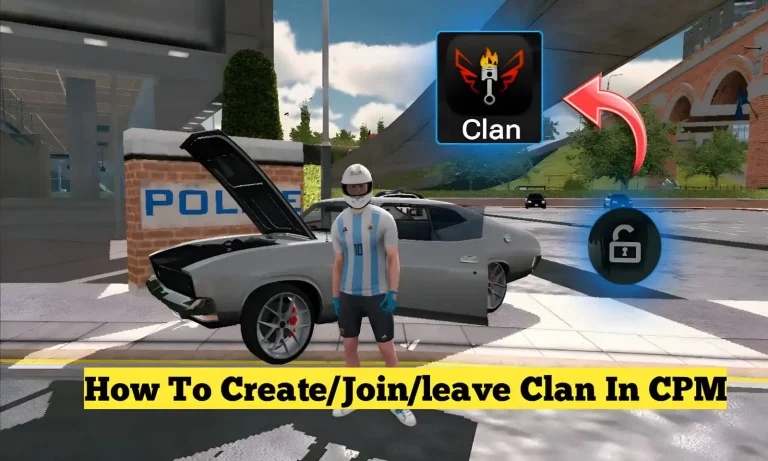
To join a clan in Car Parking Multiplayer, open the game menu, go to the Clan section, search or browse available clans, check their requirements, and send a join request….
Car Parking Multiplayer has no official “exchange” button. Trading is done manually between players in Multiplayer mode: agree on the cars, then use the $1 method, where each player sells…
To drift well in Car Parking Multiplayer, choose a rear-wheel-drive car, turn off TCS/ABS/ESP and stabilization, use manual transmission in 2nd or 3rd gear, and initiate drifts with light handbrake…

To fix lag in Car Parking Multiplayer, start with the fastest wins: close background apps, clear the game’s cache, lower graphics settings, and check your internet connection. If lag persists,…
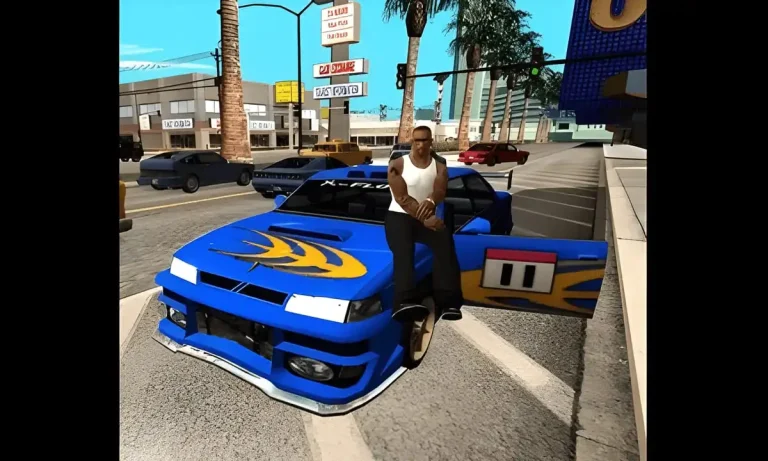
To play Car Parking Multiplayer with friends, open Multiplayer Mode, tap Create Room, set a room name and optional password, then share the room code with your friends so they…
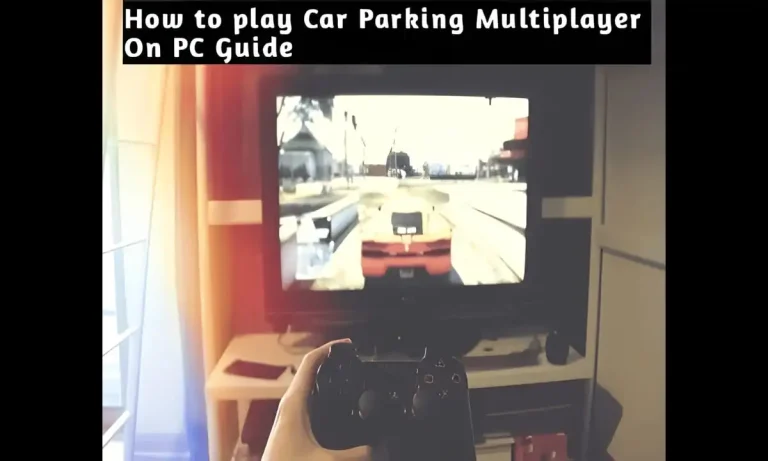
Quick Answer: To play Car Parking Multiplayer on PC, install an Android emulator such as BlueStacks, GameLoop or MEmu Play, sign in with a Google account, and install Car Parking…
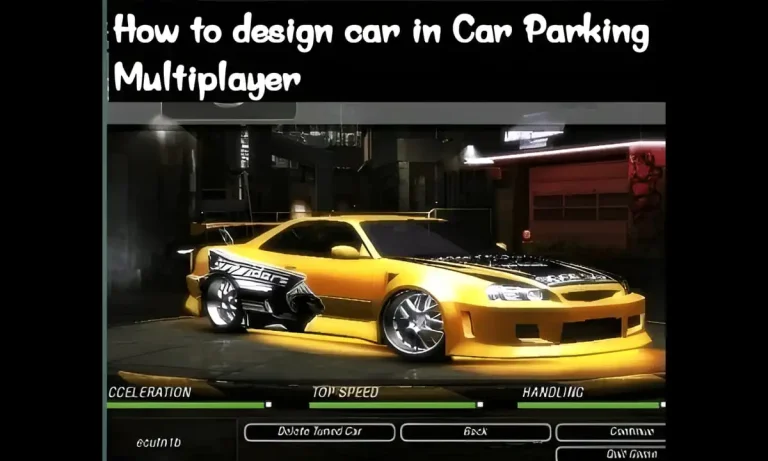
To design a car in Car Parking Multiplayer, open your Garage, select a vehicle, tap Customize → Exterior, then choose a paint type (solid, metallic, matte, or chrome), apply it,…
Quick Answer: To buy and sell cars in Car Parking Multiplayer, use the Garage. Buying is simple: open the Car Store, pick a car, and pay in cash or coins….
End of content
End of content