How to Create a Room in Car Parking Multiplayer (Friends Guide)
To play Car Parking Multiplayer with friends, open Multiplayer Mode, tap Create Room, set a room name and optional password, then share the room name with your friends so they can find and join it. Everyone should use the same game version — version mismatches can block rooms, and modified versions risk segregation or bans (see below).
Car Parking Multiplayer is genuinely better with friends — drift battles, convoy cruises, roleplay scenarios, and just exploring the map together turn a solo parking sim into something closer to a social hangout. This guide covers exactly how to set up a room, manage your friend list, and fix the most common connection problems.
Before You Start
- Both you and your friends should use the official version of the game from the Google Play Store or App Store. Modified versions can reach multiplayer in some cases, but they are segregated to separate servers and risk a permanent ban from the standard servers.
- An account (create one or log in) saves and syncs your progress and unlocks gated features such as the friend list and trading. Guest play exists, but guest progress stays on the one device.
- A stable internet connection is required — offline play covers Levels and Single Player only, not multiplayer.
How to Create or Join a Room
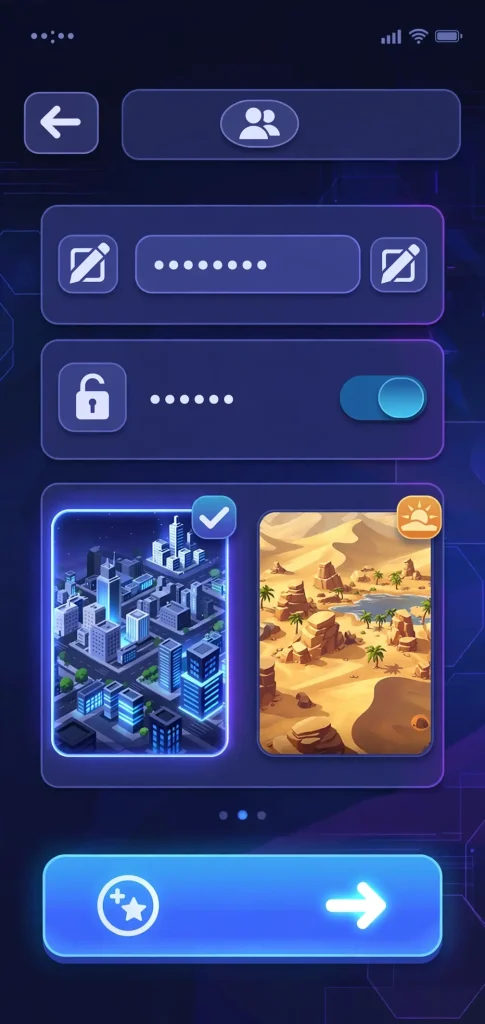
- Launch the game and select Multiplayer Mode.
- Tap Create a Room.
- Set your room name — make it distinct so friends can find it easily.
- Choose Public or Private; set a password if you want it private.
- Configure room settings (map, player limit — see below).
- Share the room name (and password, if set) with your friends.
- To join someone else’s room, find it in the room list or search by its name, then enter the password if it has one.
Room Settings Explained
| Setting | What It Does |
|---|---|
| Room Name | Helps friends find your room — keep it unique and easy to spot |
| Password | Optional; keeps the room private from public search |
| Map | Choose the environment (City 1, City 2, Desert, Mountain, Highway, Circuit, Off-road, Island) |
| Traffic | Traffic density is a game setting; a host traffic on/off toggle at room creation is not confirmed |
| Player Limit | Sets the maximum number of players who can join |
Managing Your Friends List
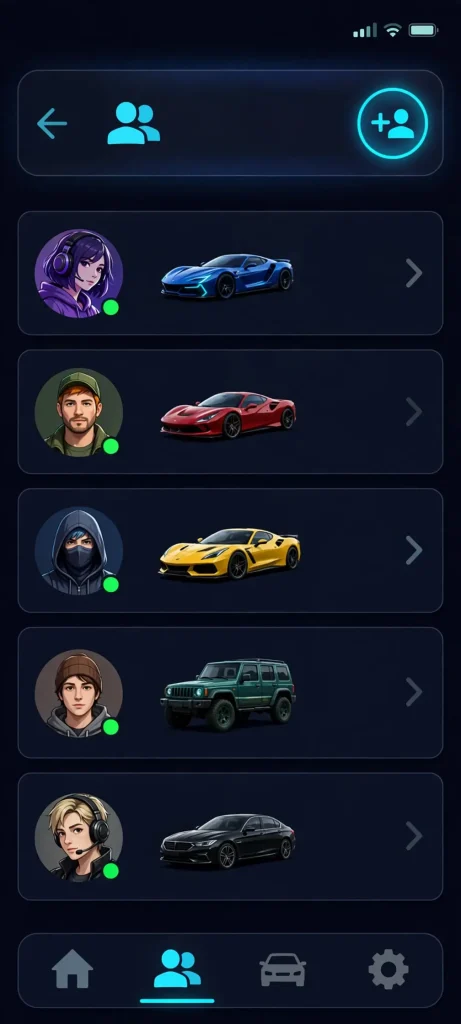
The friend list is an official feature: add friends you meet in rooms so you can find them again without searching through public rooms each time. It works like a lightweight in-game contacts list — useful for quickly coordinating sessions without repeatedly sharing room details.
Fun Things to Do With Friends
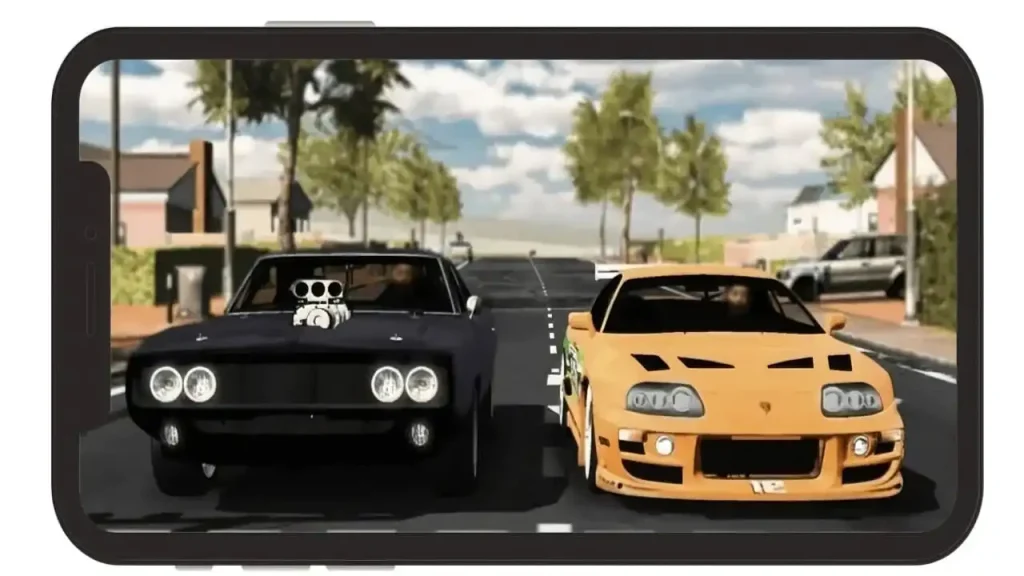
- Drift battles — compete for the longest controlled drift.
- Drag races — pick a straight stretch and test acceleration.
- Cops vs. racers roleplay — one player uses a police car and siren while others try to escape (player-organised roleplay, not a built-in mode).
- Convoy cruise — matching cars, driving in formation for a road-trip feel.
- Roleplay scenarios — taxi driver, police officer, tow truck operator, or a dealership meet-up.
- Parking challenge races — see who can park fastest in the trickiest spots.
Matching liveries or car colors is a simple way to make your group instantly recognizable to each other and to other players in the room.

Additional Tips
1. Create a Private Room for Your Squad
2. Use Voice Chat or External Apps for Better Communication
3. Plan Fun Activities Together
4. Customize Your Cars to Match Your Friends
5. Try Roleplaying for More Fun
6. Use the Mini-Map to Locate Friends Quickly
7. Test Different Game Modes Together
8. Use Car Honks and Headlights to Signal
With these tips, you and your friends can make the most out of Car Parking Multiplayer, from drift battles and roleplay to relaxed convoy cruises.
Troubleshooting Common Issues
| Problem | Fix |
|---|---|
| Connection keeps dropping | Check for a stable internet connection; restart the game or device |
| Progress not syncing | Log out and back in; confirm you’re on the latest game version |
| Friend list not updating | Refresh the list; check privacy settings; try removing and re-adding the friend |
| Can’t join a room | Double-check the room code; confirm the room hasn’t hit its player limit; update the game |
| Disconnected mid-session | Simply rejoin using the same room code if the room is still active |
FAQs
Final Thoughts
Playing Car Parking Multiplayer with friends comes down to a few simple steps — create or join a room, set it up the way your group wants, and you’re ready for drift battles, roleplay, or just cruising together.
Keep both your game and your friends’ game updated, and stick to the official version so everyone can actually join the same session without segregation or ban risks.
With these tips and troubleshooting steps, you’ll be well-prepared to dive into the game, tackle parking challenges together, and make the most of your multiplayer sessions.