Easy Way to Import and Use Car Mods in Car Parking Multiplayer
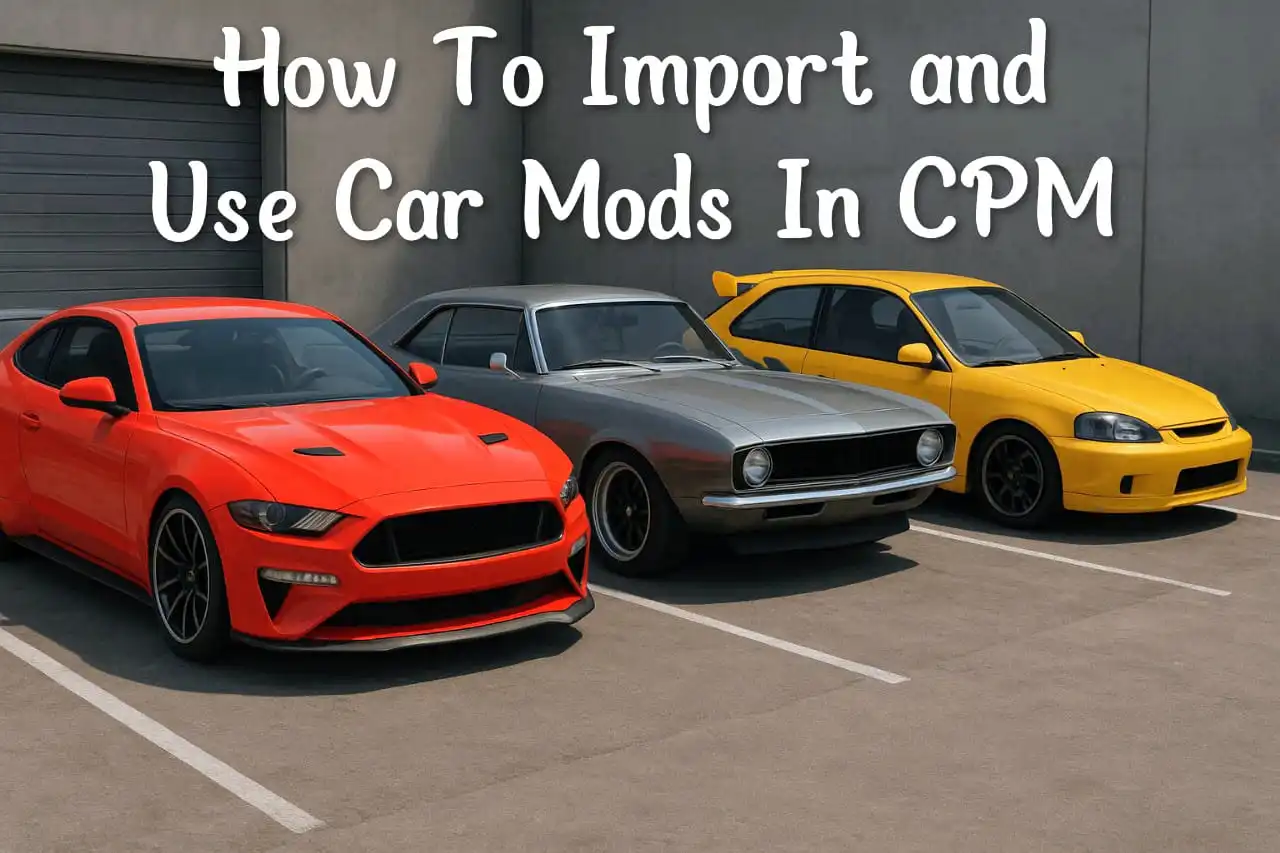
Car mods in Car Parking Multiplayer (CPM) let you customize your gameplay with community-created vehicles, paint designs, and other enhancements. The safest approach is to use trusted creators, verify compatibility with your game version, keep a backup of your saved data, and follow the instructions provided with each mod. This helps you enjoy custom content while reducing compatibility and security risks.
“If you’re wondering how modded versions differ from the official game, check out our guide on Car Parking Multiplayer Modded vs Original.”
What Are Car Mods in Car Parking Multiplayer?
Car mods are community-created customizations that allow players to personalize vehicles beyond the options available in the standard game. Depending on the type of mod, they can change a car’s appearance, introduce custom paint designs, or recreate real-world vehicle styles that aren’t included by default.
For many players, mods are a way to make the game feel more personal and creative. Instead of driving the same factory vehicles, you can experiment with unique builds that reflect your own style or fit specific roleplay scenarios.
Some community creations focus entirely on visual customization, while others are designed to improve immersion with more detailed interiors, realistic styling, or themed vehicles for multiplayer sessions.
The popularity of car mods comes from the CPM community itself. Skilled creators regularly share their work with other players, helping keep the game fresh even between official updates.
Is It Safe to Use Mods in CPM?
Before diving in, here’s the truth: Car Parking Multiplayer doesn’t officially support mods. That means:
- Downloading mods should always be from trusted sources to avoid malware.
- You should avoid shady “hack” mods that promise unlimited money or cheats, as they can harm your account.
- Use mods only for personal fun and not for unfair advantages in multiplayer.
✅ Tip: Always back up your game data before installing mods.
How to Import and Use Car Mods in Car Parking Multiplayer?
Here’s the easiest way to safely import mods:
Step 1: Choose a Trusted Creator
Before downloading anything, spend a few minutes checking where the mod comes from.
Look for creators who:
- Regularly update their content
- Have positive community feedback
- Clearly mention compatibility with the latest CPM version
- Provide installation instructions
- Share screenshots or preview videos
Avoid downloading files from unknown websites that make unrealistic promises or bundle unrelated software.
Step 2: Download the Mod Files
Most community car mods are shared as compressed archives or other downloadable packages.
Before opening them:
- Verify the download completed successfully.
- Read any installation notes included by the creator.
- Keep the original downloaded file in case you need it later.
Organizing your downloads in a dedicated folder also makes future updates easier.
Step 3: Verify Compatibility
One of the biggest reasons mods fail is version mismatch.
Before using any custom content, confirm:
| Checklist | Status |
|---|---|
| Latest CPM version installed | ✅ |
| Mod supports current update | ✅ |
| Device has enough storage | ✅ |
| Backup created | ✅ |
| Installation instructions available | ✅ |
Taking two minutes to verify compatibility can save hours of troubleshooting later.
Step 4: Follow the Creator’s Instructions
Each community project may have a different installation process, so avoid assuming that every mod works the same way.
Follow the creator’s guidance carefully and avoid skipping important steps.
If the instructions seem outdated or reference an older game version, look for a newer release instead.
Step 5: Test Before Regular Gameplay
After adding the custom content:
- Open the game.
- Check your garage or customization options.
- Confirm textures load correctly.
- Test the vehicle in a private session.
- Make sure there are no crashes or missing assets.
Testing first helps identify compatibility problems before joining multiplayer sessions.
“Once you import mods, you might also enjoy exploring how players buy and sell cars in Car Parking Multiplayer.”
Best Ways to Use Car Mods in CPM
Mods aren’t just for showing off—they can enhance the whole experience. Here’s how:
- Roleplay Sessions: Drive unique cars that make your character stand out.
- Races: Try performance-based mods to test custom speed builds.
- Creative Builds: Combine mods with in-game customization to create one-of-a-kind vehicles.
- Showcases: Record videos for YouTube or TikTok to share your modded cars with friends.
Common Problems and Solutions
Even experienced players occasionally encounter issues with community-created content.
Here’s how to solve the most common ones.
| Problem | Possible Cause | Solution |
|---|---|---|
| Car doesn’t appear | Version mismatch | Check compatibility with the latest game version. |
| Missing textures | Incomplete files | Download the newest version from the creator. |
| Game crashes | Unsupported modification | Remove the recent custom content and test again. |
| Vehicle looks incorrect | Outdated assets | Install an updated release if available. |
| Performance drops | Too many modifications | Reduce the number of active customizations. |
FAQs
Final Thoughts
Car Parking Multiplayer offers plenty of customization through its built-in features, but community-created car mods give players even more opportunities to personalize their experience. Whether you’re building a realistic police fleet, collecting supercars, or designing a unique drift garage, custom content can make every session feel different.
The key is to prioritize safety and compatibility. Use trusted creators, keep your game updated, back up your progress, and test new content before using it regularly. With a little preparation, you can enjoy a more creative and rewarding experience while reducing the chances of technical issues.