
Google’s 24-Hour Check: Will CPM Mod APKs Still Install?
On September 30, 2026, Google started enforcing developer verification on app installs in Brazil, Indonesia, Singapore, and Thailand — and unverified apps installed through app stores now face a mandatory 24-hour waiting period plus a whole obstacle course of extra steps. If you play Car Parking Multiplayer with mod APKs, here’s the short version: the 24-hour verification mod apk rule targets installs made through app stores. Downloading a mod APK file directly and installing it yourself is exempt for now, so your usual install routine still works.
Table of Contents
What Changed on September 30?
Google now requires developers to verify their identity before their apps install smoothly. Enforcement began in four countries — Brazil, Indonesia, Singapore, and Thailand — on certified devices running Android 7.0 and above, and it runs through seven app stores: Google Play, Samsung Galaxy Store, HONOR App Market, OPPO App Market, Xiaomi GetApps, vivo V-Appstore, and Transsion’s Palm Store.
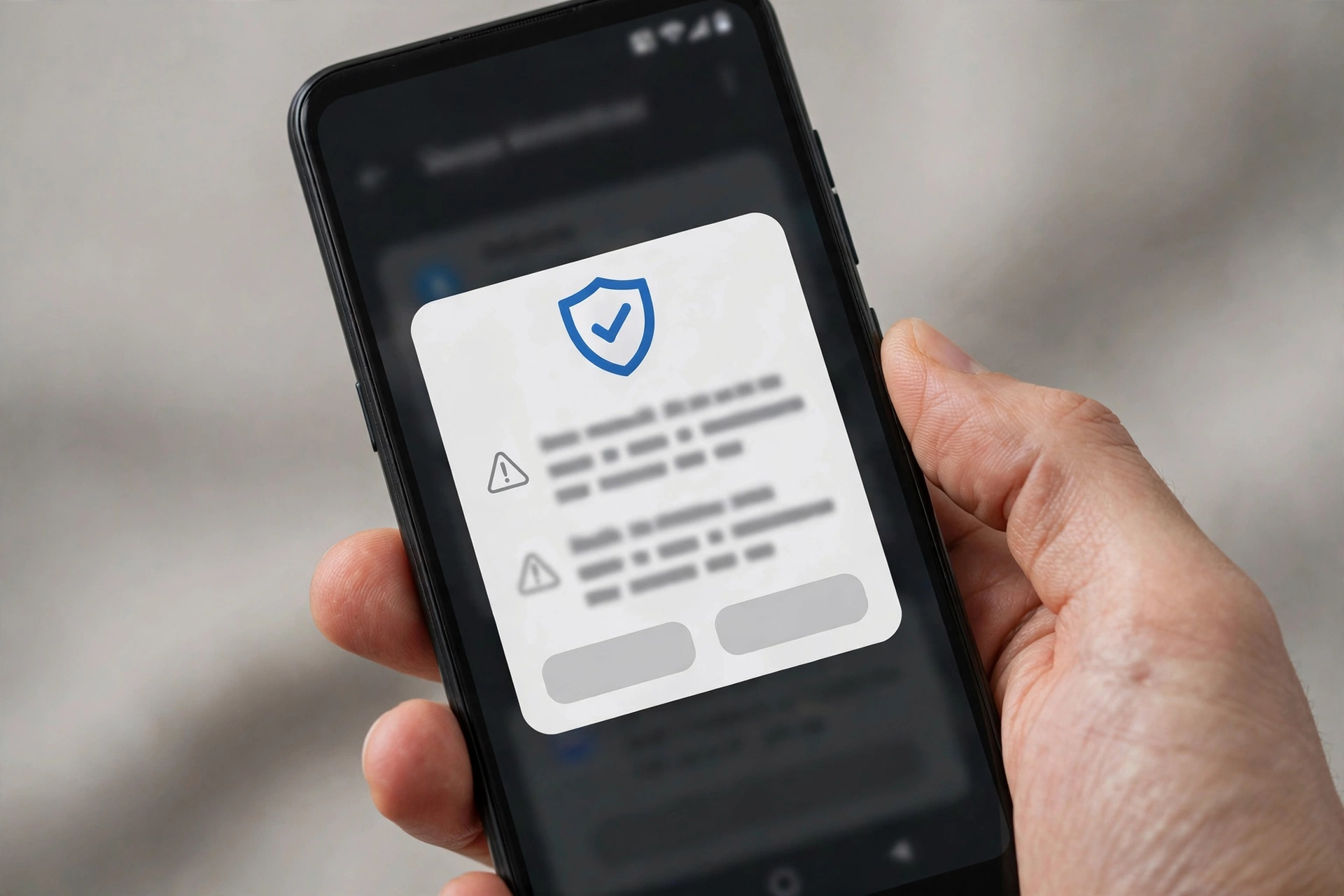
Install an unverified app through one of these stores and the normal one-tap install is refused. Instead, the phone pushes you into what Google calls the ‘advanced flow.’
The Advanced Flow in Plain Words
Google designed this to be annoying — the friction is the entire point. To force through an unverified install from a covered store, you must:
- Accept a strong warning that the developer is unverified.
- Turn on Developer Options (a settings area most players never open).
- Pass an anti-coercion check proving nobody is forcing the install — this one exists for scam victims being walked through installs by criminals.
- Restart your phone.
- Wait a full 24 hours.
- Re-authenticate with your PIN or biometrics.
- Allow the install — for 7 days or indefinitely.
That is the complete 24-hour verification mod apk obstacle course. Miss any step and the install simply doesn’t happen.
What Does This Mean for CPM Mod APK Players?
Every mod APK is re-signed with a new key, so Android treats all modded games — Car Parking Multiplayer mods included — as ‘unverified.’ That sounds scary until you hear the second half: the rule only bites when you install through a covered app store. CPM mods are installed as direct APK downloads, which sit outside the 24-hour verification mod apk checks entirely. Your download, tap, install routine doesn’t change.
What the exemption doesn’t fix is trust. An unverified signature means Android itself can’t vouch for whoever built the file — so the source you download from matters more than ever. Stick to sites that publish honest file details. Our homepage lists the real version and file size for every build we host, precisely so you know what you’re installing.
What About OBB and Data Files?
Some CPM mods come with OBB or data files you copy into your Android/obb folder. Good news: those are just files, not app installs, so the verification rule doesn’t touch them at all. The rule only inspects the APK install step — moving a data folder around is unaffected.
Who Is NOT Affected?
Anyone who sideloads directly. Download the APK in your browser, open the file, confirm in Android’s package installer — no Developer Options, no restart, no 24-hour wait. Google’s FAQ confirms this exemption explicitly, and it was reconfirmed by multiple outlets when enforcement went live.
If that is how you install your CPM mods, you are untouched. At least for now.
2027: The Global Rollout
Google plans to take enforcement worldwide in 2027, though no per-country dates have been announced. The direct-APK exemption is officially described as ‘for now’ — whether the 24-hour verification mod apk exemption survives the 2027 expansion is the open question nobody outside Google can answer yet.
The reasonable expectation: more countries through the year, possibly more stores covered, and growing pressure on sideloading itself. If mods are how you play, 2027 is the year to watch — not 2026.
4 Practical Tips for Players Right Now
- Download mods only from sources you trust. With unverified signatures there is no safety net from Google — the site’s honesty becomes your safety net.
- Back up your CPM account before installing anything new. If an install ever goes sideways, your progress, money, and cars stay safe. Our account guide walks through backup and transfer step by step.
- Keep Google Play Protect enabled. It doesn’t block sideloading, and it still catches known malware in the background.
- Getting ‘login failed’ after installing a mod? That’s almost always an account or signature issue — not this new rule. The login failed fix guide covers the actual causes.
Frequently Asked Questions
Does the 24-hour wait apply to CPM mod APKs I download from websites?
No. The 24-hour verification mod apk checks only trigger for installs made through the covered app stores. Direct APK downloads are explicitly exempt for now, per Google’s FAQ.
Which countries are affected right now?
Brazil, Indonesia, Singapore, and Thailand. Enforcement began September 30, 2026, on certified devices running Android 7.0 and above.
Will this rule come to my country?
Likely, in 2027. Google has confirmed a worldwide rollout but hasn’t published any per-country dates.
Do I need to enable Developer Options to install CPM mods now?
No. Developer Options are only one step of the store-based advanced flow. Direct APK installs don’t need them and never did.
Is sideloading going away?
Not in 2026. Google exempts direct APK installs for now. The 2027 expansion could change things, which is why it’s worth watching — but there’s no need to panic today.

Final Word
The 24-hour verification mod apk rule is real but narrow: it targets store-based installs in four countries, not your direct APK downloads. Keep grabbing CPM mods from sources you trust, back up your account before big installs, and you’ll stay ahead of it — including whatever 2027 brings.