
Car Parking Multiplayer 2 for PC: How to Play on Steam (Free, 2026)
If you love drifting, racing, and cruising with friends in Car Parking Multiplayer 2, you have probably wondered what it feels like on a big monitor. That is why so many players search for car parking multiplayer 2 for pc. The good news: it exists, it is official, and it costs nothing. The real game is sitting on Steam, free to play. This guide covers both ways to play CPM 2 on a computer: the official Steam version, and the Android MOD build through an emulator.
Quick answer: Yes — car parking multiplayer 2 for pc is officially real. CPM 2 launched free in Steam Early Access on October 8, 2026, and the developer confirmed it will stay free after the full release. Just install it from Steam. If you want the MOD APK instead, run it inside an Android emulator. Never download “CPM 2 PC.exe” files from third-party sites — those are scams.
Table of Contents
Is CPM 2 Officially on PC?
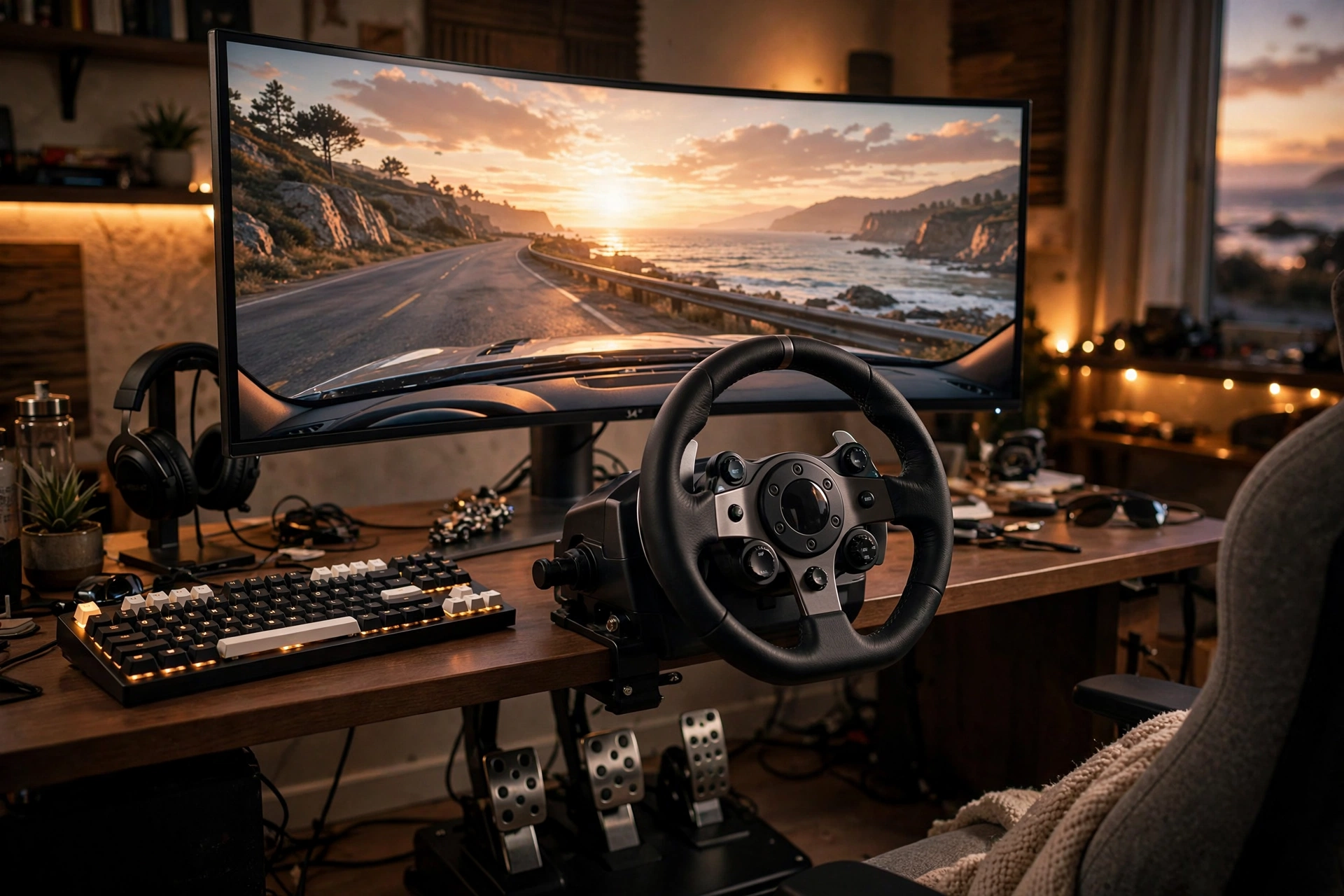
Yes. Developer OGames made car parking multiplayer 2 for pc a real, native PC release — not a repackaged mobile file. Controls are reworked for keyboard and mouse, plus gamepads and racing wheels, and textures are upscaled for larger screens.
The game is in Early Access, expected to last about one to two years while the team polishes it. Best part for mobile players: the Steam version has fully functional cross-platform multiplayer with mobile devices, and cross-platform progression saving. Your phone friends can join your lobbies, and your progress follows you between screens.
Method 1: Play Free on Steam (Official Way)
This is the simplest way to get car parking multiplayer 2 for pc running — the real game, straight from Steam.
Step 1: Install the Steam client on your Windows PC (free from steampowered.com).
Step 2: Make a free Steam account and sign in.
Step 3: Search the Steam store for “Car Parking Multiplayer 2” and hit Install — it is marked free-to-play, so there is no payment step.
Step 4: Let it download, press Play, and plug in a gamepad or racing wheel if you own one. The game supports both.
System requirements: check the Steam page’s official specs before downloading — they can shift during Early Access. As a rough guide, any mid-range Windows 10 or 11 PC handles it comfortably, and you need a stable connection for multiplayer.
Method 2: Play the MOD APK on PC via Emulator
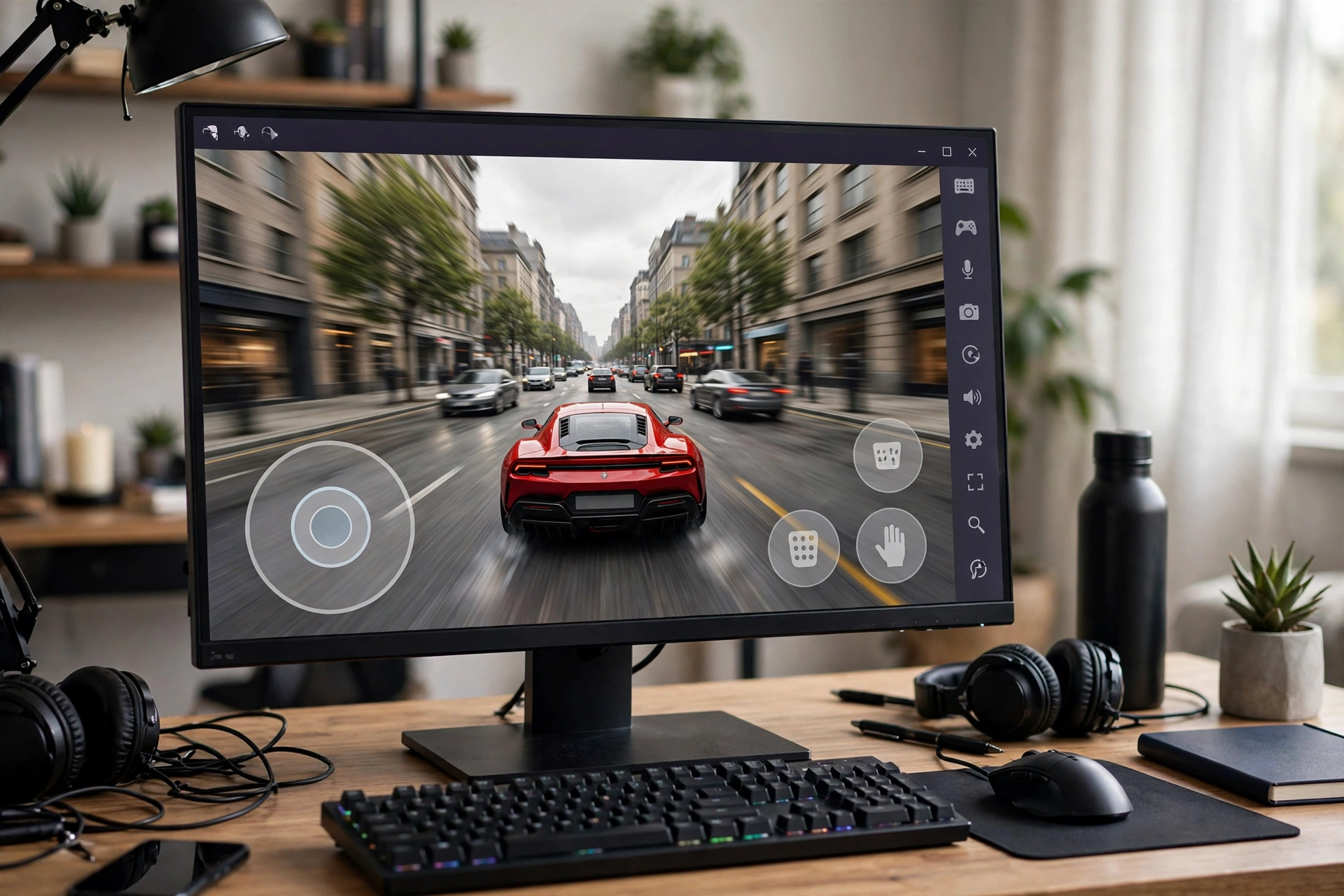
The Steam version is the official game — it does not include MOD features like unlimited money. If that is what you are after, the Android MOD build can run on your PC inside an emulator, which creates a virtual Android phone inside Windows.
Step 1: Download a trusted, free emulator such as BlueStacks, LDPlayer, or MEmu, and turn on virtualization (VT-x/AMD-V) in your BIOS or UEFI settings — emulators need this to run smoothly.
Step 2: Install CPM 2 inside the emulator, from the Play Store or by sideloading the MOD APK.
Step 3: Sign into your in-game account to carry your progress over, then map your keyboard keys to the on-screen buttons with the emulator’s keymapping tool.
Full setup walkthrough: our PC setup guide. The latest MOD file is on our CPM 2 MOD APK page.
For smooth play, give the emulator at least 4 CPU cores and 4 GB of RAM in its settings. 8 GB of RAM, a multi-core CPU, and an SSD are the realistic sweet spot.
Steam vs Android MOD: Key Differences
So which PC version should you pick? It depends on what matters to you:
| Steam (official, free) | Android MOD (emulator) | |
|---|---|---|
| Price | Free, stays free | Free |
| MOD features | No | Yes (unlimited money, etc.) |
| Cross-play with mobile | Yes, built in | Joins mobile lobbies as an Android device |
| Controls | Keyboard, mouse, gamepad, racing wheel | Touch buttons mapped to keys |
| Progress sync | Cross-platform saves | Carries over via in-game account |
| Safety | Official Steam build | Safe only from trusted sources |
Warning: Fake “CPM 2 PC” Downloads Are Scams
Any site offering a “Car Parking Multiplayer 2 PC free download” .exe outside Steam is lying. There is no official PC installer — the PC version lives on Steam, full stop. Those files are usually malware in disguise.
Tips for the Best PC Experience
- Use a gamepad or racing wheel — driving feels far better than on a keyboard.
- Invite your mobile friends. Cross-platform lobbies mean your whole crew can race together no matter the device.
- Keep the game updated. Early Access builds change often, and new features land regularly. On iPhone or iPad instead? Our CPM 2 for iOS guide covers that side too.
Conclusion
CPM 2 on PC is a rare case where the official route is also the easiest: free on Steam, cross-play with your phone, progress follows you. Grab it from Steam for the real PC experience, or fire up an emulator for the MOD build. Skip the fake .exe sites — your computer will thank you.
Frequently Asked Questions
Is car parking multiplayer 2 for pc really free?
Yes — and it will remain free after Early Access ends, per the developer.
Can I play with my mobile friends on PC?
Yes. PC and mobile players share the same lobbies.
Does my progress carry over from Android to PC?
Yes, through cross-platform progression saving.
Can I use the MOD APK on a PC?
The MOD build is Android-only, but it runs in an emulator. The Steam version itself has no MOD features.
Is there a CPM 2 PC download outside of Steam?
No. Stick to Steam or an emulator — any “CPM 2 PC.exe” site is a scam.